Moisture warning on Samsung smartphones: what the water drop icon means and how to fix it
The water drop icon on Samsung Galaxy screens indicates liquid detection in the USB-C port. This built-in safety mechanism temporarily blocks wired charging to protect the electronics.
 💡Tech
Photo: UNIAN
Key points
- Water drop icon blocks wired charging for safety
- Avoid using rice and hair dryers for drying
- Use a cool fan airflow or wireless charging instead
While numerous modern smartphones boast advanced ingress protection ratings, high humidity or liquid spills can still compromise sensitive internal electronics. To mitigate potential damage, Samsung devices feature a specialized system warning triggered when moisture exceeds safe thresholds. The appearance of a water drop icon serves as a preventative mechanism, temporarily disabling the USB port charging capabilities to avoid short circuits and hardware failure.
Safe drying techniques and troubleshooting
Contrary to popular myths, placing a damp phone in uncooked rice is strongly discouraged due to the high risk of dust and starch clogging the charging port. Instead, specialists recommend wiping the device with a dry cloth and gently shaking it with the port facing downwards to expel trapped liquid. Directing a cool airflow from a fan is acceptable, whereas hot air from a hairdryer should be avoided entirely to prevent thermal damage to internal components.
If the notification persists after a full day, the issue might stem from a software glitch or residual moisture inside the cable plug. Users can try clearing the USB settings cache or switching to an alternative charging accessory. For supported models, utilizing a wireless charger serves as a temporary workaround until the physical port dries completely or requires professional service.
Source UNIAN — unian.ua/techno/gadgets/samsung-blokuye-zaryadku-shcho-oznachaye-zn… ↗
Read next
 🛡️Security
Frontline Update: General Staff Reports Over a Hundred Combat Clashes and Mass Shelling
The General Staff of the Armed Forces of Ukraine released an operational update on the frontline situation as of the morning of November 22, 2026. The highest enemy activ…
 🏙️City
The Philosophy of Repair: Why Brovary and Other Cities Are Adopting the 'Broken World Thinking'
Utility workers and local communities face daily reconstruction challenges, maintaining vital infrastructure amid ongoing crises.
 🎭Culture & Sport
Ukrainian Theatre in Europe: Touring Challenges, Audience Emotions, and Behind-the-Scenes Struggles
Producer Serhii Chudaiev shared how Ukrainian performances abroad become meeting places for compatriots, detailing the logistic and organizational hurdles organizers face…
 🛡️Security
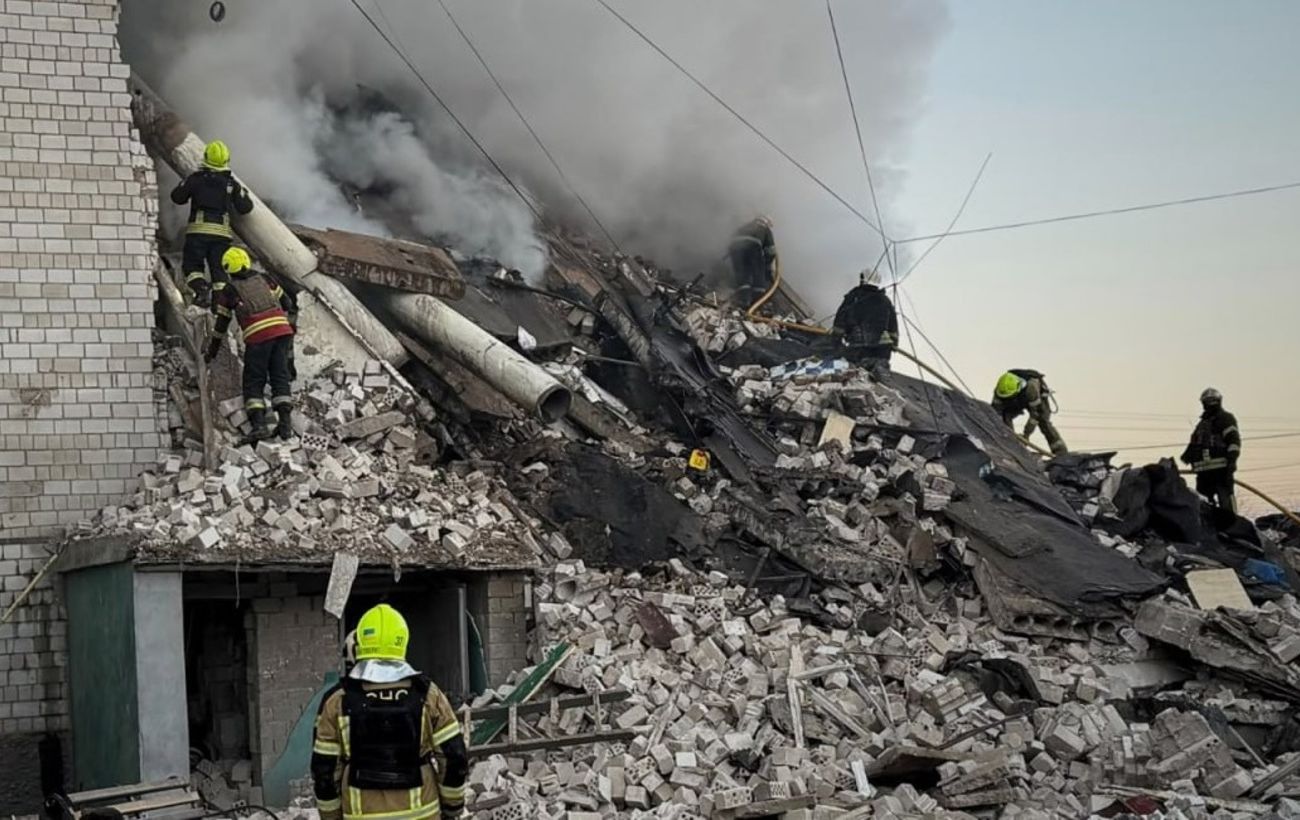
Strike on a residential building in Kyiv region: Search ongoing for 14 missing residents
Rescue operations continue after an enemy strike hit a five-story building in the Kyiv region, leaving 14 people unaccounted for.
 💼Economy
Basic food prices in supermarkets: where to shop for the best deals
An analysis of key food prices across popular Ukrainian retail chains reveals significant cost differences depending on brands and ongoing discounts.
 🛡️Security
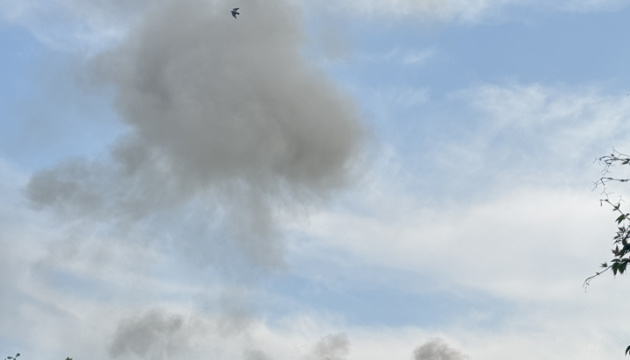
Four strikes a day: Zhytomyr region's energy infrastructure targeted by enemy
Russian forces launched four drone strikes against energy infrastructure facilities in the Zhytomyr region within 24 hours, attempting to cut off electricity and heating.